Platform
Built for clinical imaging teams
CloudEndo unifies capture, archiving, reporting, streaming, and sharing in one platform designed for clinical workflows.
Capture Suite
Capture from USB endoscopes in your browser, upload images and video straight from your phone's camera roll, or receive DICOM studies from any modality through the cloud or desktop DICOM server.
Viewer & Annotations
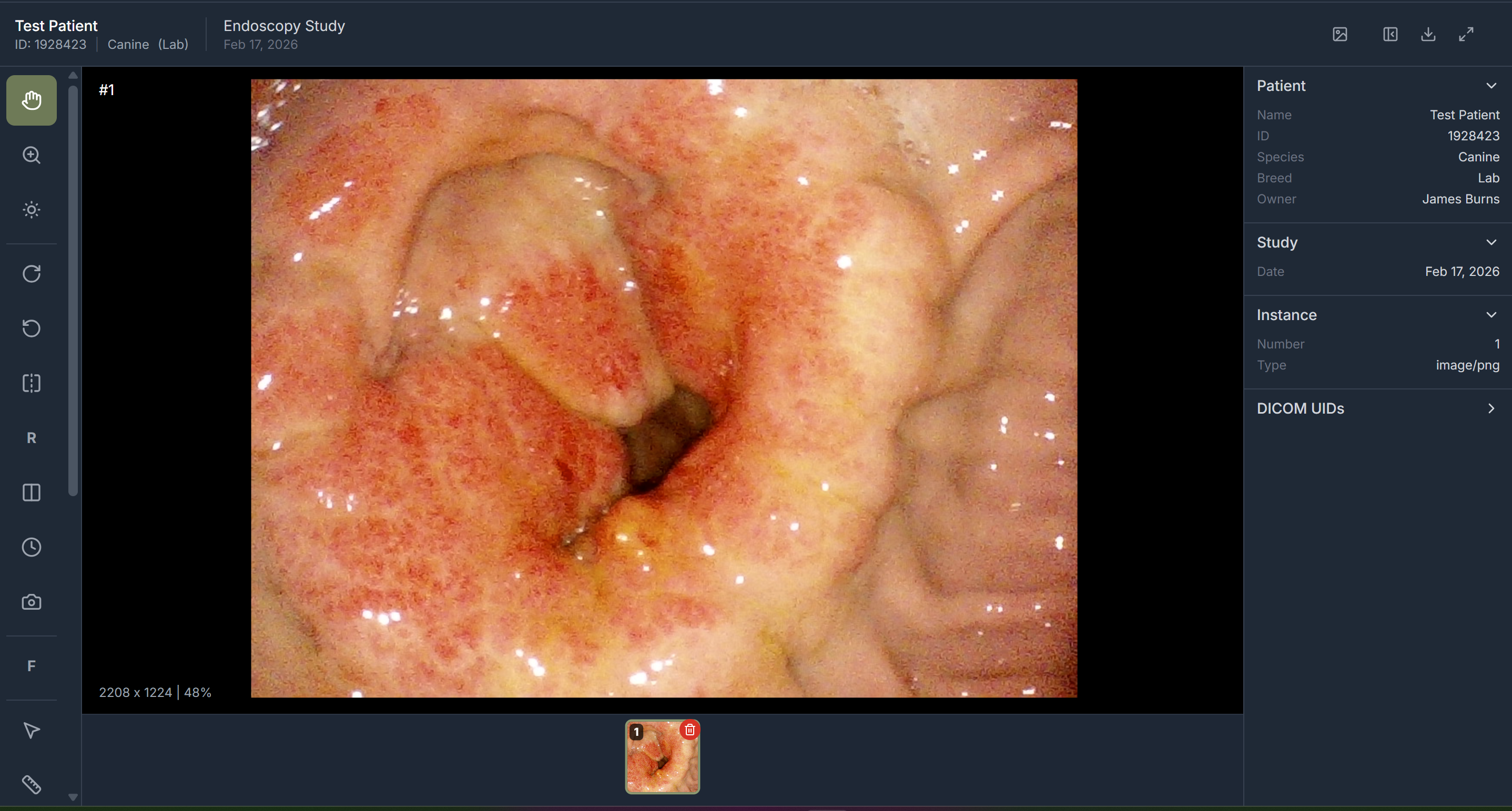
View studies in any browser with DICOM windowing, annotations, measurements, video markers, cine playback, and a full DICOM tag browser.
Clinical Reporting
Build reports with embedded images, procedure-specific templates, sign-off workflows, PDF export, and push-back to ModMed.
Live Streaming
Broadcast procedures in real time with viewer invitations, optional recording, and playback through the patient portal.
Sharing & Patient Portal
Share via secure links with configurable expiration. Patients access their studies, stream recordings, and reports through an authenticated portal.
HIPAA Compliance Suite
Encryption at rest and in transit, role-based access with custom roles, audit logs, retention policies, BAA management, and risk assessments.